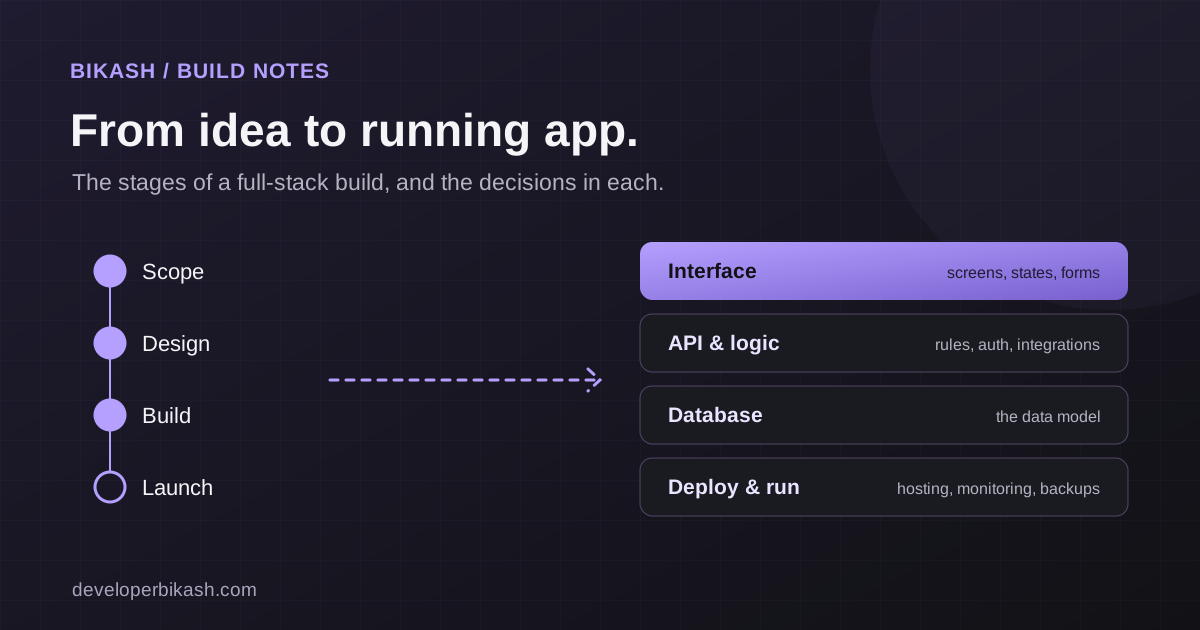
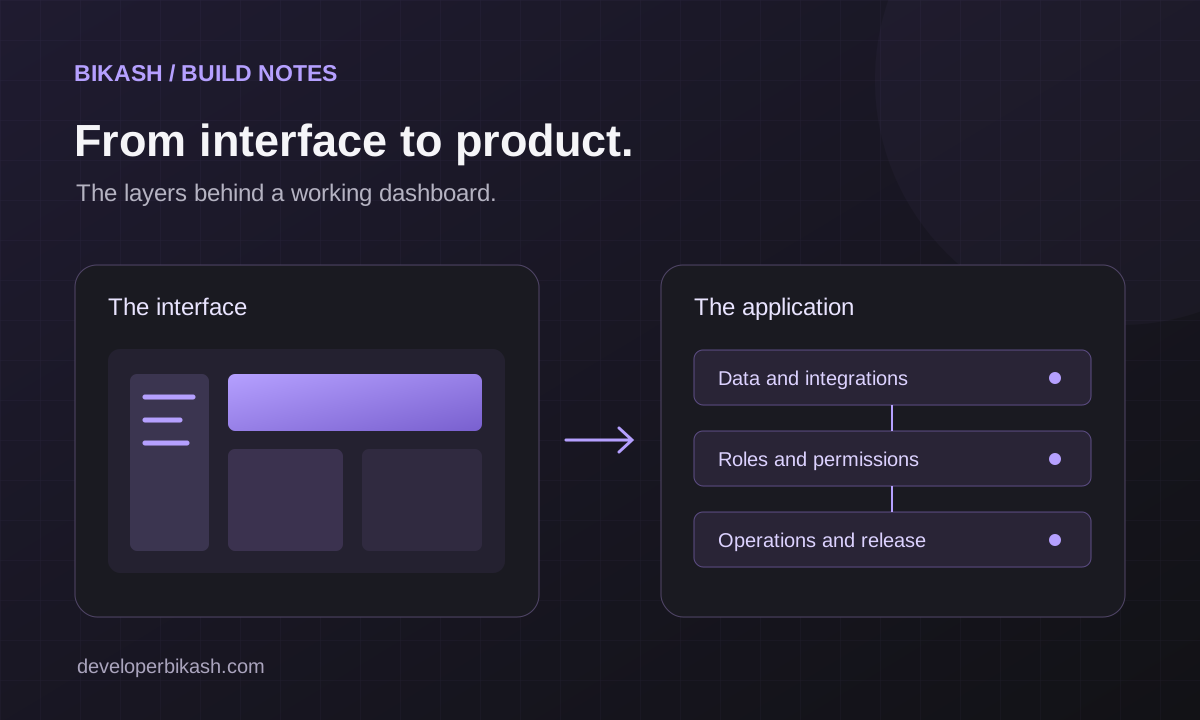
A dashboard template can give a product a useful visual starting point: navigation, layouts, tables, forms and consistent components. Turning that starting point into a dependable product requires decisions about the data and the work behind each screen.
Before estimating an adaptation, separate what the template demonstrates from what your application must actually do. This makes the scope easier to explain and the remaining work easier to test.
Inventory the demo
Open each important screen and record where its data comes from. Is the chart displaying sample values? Does the form save only in the browser? Does a button show a notification, download a file, or call a server?
For example, Spanline presents an AI operations dashboard interface. Its live-demo FAQ explains that the demonstration uses sample data and does not call AI providers. That is a useful distinction when planning an actual observability product: its interface and its production integrations are separate parts of the scope.
Use the Spanline demo to inspect the interface, then list which screens your product really needs. Starting with a smaller set of complete workflows can be more useful than connecting every demonstration screen.
Define the records and their ownership
Describe the important records: customers, orders, projects, invoices, inventory items or support tickets. Establish the fields, relationships and rules that make those records valid.
Also decide who owns each record. In a product used by several businesses, a record’s organization can be as important as its identifier. Work out which information may be shared and which must stay within a team before building the endpoints.
Make permissions explicit
A hidden menu item is a presentation choice. The server must separately decide whether the current user is allowed to read or change the underlying information. OWASP’s authorization guidance recommends denying access by default and checking permissions on every request. Read the OWASP authorization guidance.
Write a simple role matrix during planning. For each role, state which records it can view, create, edit, approve and delete. Include ownership boundaries and the behavior of expired sessions. Those rules become implementation requirements and meaningful test scenarios.
Complete one workflow end to end
Choose one important journey and follow it through the application. For an inventory tool, that might be receiving stock, recording a quantity adjustment and seeing the resulting availability. For a support tool, it might be creating a ticket, assigning it and returning a useful update to the customer.
Specify the loading, empty, success and failure states. Decide what happens if a visitor submits twice, loses the connection or opens information that has changed since the page loaded. A convincing interface needs these everyday cases as well as the ideal path.
Scope the connections
For each external service, record the purpose of the integration, the account owner, the required information and the expected failure behavior. Keep private service credentials on the server. Agree on a testing environment before working with production systems.
Document what the business can do when a provider is unavailable. A clear message, a retry process or a manual fallback may be part of the product requirements. The right response depends on the workflow and the cost of losing or repeating an action.
Prepare launch and handover
- Replace demonstration accounts and sample records with the intended production setup.
- Check important workflows using each real user role.
- Verify that validation failures and unavailable services produce useful feedback.
- Agree on backups, restoration and operational ownership.
- Provide environment setup, deployment instructions and account handover.
- Decide how errors and support requests will reach the team after launch.
These are planning prompts; the final checks should reflect the product’s actual risks and responsibilities.
Ask for a workflow-based scope
A useful proposal connects interface work with the database, permissions, integrations and release tasks that make it operate. Ask for deliverables you can demonstrate, such as a customer completing a request and a manager processing it with the correct access.
Explore the template and application portfolio for interface examples, or read about MVP and web app development to plan the implementation around your business. A template can be the beginning of that conversation; the scope should describe the working product you need.