A fast, SEO-friendly WordPress website comes from a few decisions made early: a lean theme, hosting that suits the traffic, a short plugin list, properly sized images and a clear content structure. Get those right and the site can pass Core Web Vitals while staying easy for your team to update. Most slow WordPress sites got that way gradually, one plugin and one page-builder section at a time.
I build and fix WordPress sites for businesses, and this is the checklist I work through. You don't need to do any of it yourself, but knowing it will help you brief a developer and judge the answers you get.
Why a fast, SEO-friendly WordPress website matters
A slow page costs you twice. Visitors on a phone with an average connection give up before the offer appears, and the traffic you paid for with ads or earned through search goes nowhere. Google also uses page experience, including Core Web Vitals, in its ranking systems. Relevant content still matters more, but when two pages answer the same query equally well, the faster and more stable one has the edge.
Speed is also one of the few areas where a small business can beat a larger competitor outright. A big brand's site often carries years of tracking scripts, pop-ups and redesigns. A focused WordPress site with less on each page can simply load faster.
Core Web Vitals in plain terms
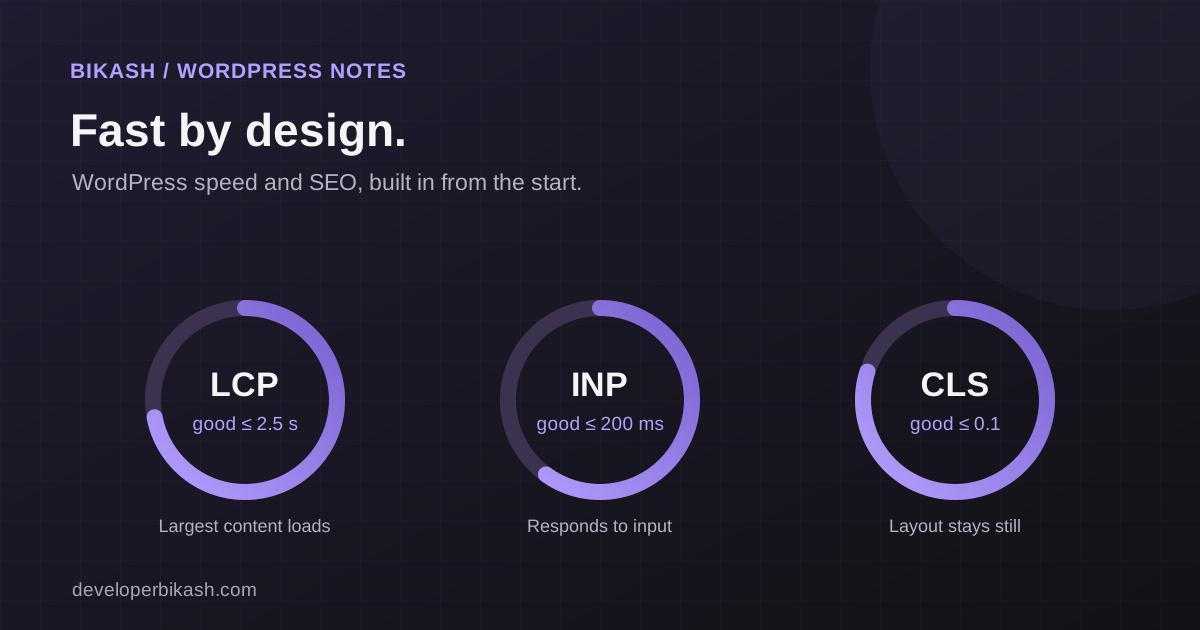
Core Web Vitals are three measurements of what a real visitor experiences. Google assesses each one at the 75th percentile of page visits, so a page passes only when at least three out of four visits meet the "good" threshold.
| Metric | What it measures | Good |
|---|---|---|
| Largest Contentful Paint (LCP) | How long until the main content, usually the hero image or headline, appears | 2.5 seconds or less |
| Interaction to Next Paint (INP) | How quickly the page responds when someone taps, clicks or types | 200 milliseconds or less |
| Cumulative Layout Shift (CLS) | How much the layout jumps while the page loads | 0.1 or less |
WordPress sites usually struggle with these for predictable reasons. A huge hero image hurts LCP. Heavy JavaScript from sliders, chat widgets and builder add-ons hurts INP. Images without set dimensions, late-loading fonts and banners that push content down hurt CLS.
One practical note: a lab score from a single test is a diagnosis tool. The field data in PageSpeed Insights or Search Console, collected from real Chrome users, is what reflects how visitors actually experience the site, and it takes a few weeks to catch up after a fix.
Start with a lean theme and a planned content structure
The theme decides how much code loads on every page before you add a single word. Multipurpose marketplace themes and drag-and-drop builders tend to load styles and scripts for features you never use. A lean theme, or a custom theme built for your site, loads only what your pages need.
When you compare options, ask your developer:
- How much CSS and JavaScript loads on a simple page, and can unused parts be turned off?
- Does the theme produce clean, semantic HTML with one h1 per page?
- Is it actively maintained, and who updates it if the original author stops?
- How will a non-developer on your team edit a page without breaking the layout?
That last question is where structure comes in. If your site has repeating content, such as services, team members, case studies or listings, it should be built as structured content with defined fields, not a fresh page-builder layout each time. The Coalson Real Estate website is a good example of the kind of site this applies to: North Texas ranch and property listings with property detail pages and broker information. Content like that is easier to keep consistent, fast and searchable when each listing follows the same format.
Hosting sets the ceiling
You can compress every image and still have a slow site if the server takes too long to respond. Cheap shared hosting puts your site on a machine with many others, so a busy neighbor can slow you down. Managed WordPress hosting, or a well-configured server, usually adds server-level caching, current PHP versions, automatic backups and staging environments.
My rule of thumb: if the website brings in leads or sales, put it on hosting built for WordPress and make sure someone owns it. A small brochure site with little traffic can live on simpler hosting, as long as backups and updates are still in place.
Treat every plugin as a cost
Each plugin can add database queries, scripts, styles and another thing to keep updated. A plugin installed for a one-off campaign two years ago may still be loading code on every page today. I won't recommend specific plugins here, because the right choice depends on your hosting and what the site does. The audit process is the same either way:
- List every active plugin and the job it does.
- Find overlaps, such as two plugins that both handle forms, caching or SEO settings.
- Remove anything nobody can explain or nobody has used recently.
- Check which plugins load assets on pages that don't need them.
- Replace small single-purpose plugins with a few lines of theme code where that is simpler to maintain.
Do this on a staging copy first. Removing the wrong plugin on a live site can break forms or layouts without anyone noticing for days.
Images, scripts and caching
Images
Images are often the largest element on the page and the easiest win. Resize them to the size they are actually displayed, serve modern formats such as WebP or AVIF, and always set width and height so the browser reserves space. Lazy-load images below the fold, but not the hero image: the main image should load right away, since it usually decides your LCP.
Scripts and third-party tools
Analytics, chat widgets, booking embeds, ad pixels and video players all add JavaScript, and many of them load on every page. Ask which ones still earn their place. The rest can be removed, delayed until the visitor interacts, or loaded only on the pages that need them. This is the most common fix for poor INP, and it needs care, because delaying the wrong script can break tracking or forms.
Caching
Without caching, WordPress builds each page from the database for every visitor. Page caching stores a ready-made copy, and a CDN serves static files from locations closer to your visitors. Logged-in areas, carts and forms need exceptions, so caching should be set up and tested rather than switched on and forgotten.
What makes WordPress SEO-friendly beyond speed
A fast site still needs a structure search engines can understand. Check these before launch:
- Short, readable URLs that follow your site's structure.
- One h1 per page and a sensible order of h2 and h3 headings.
- A unique title and meta description for every important page.
- A mobile layout that contains the same content as desktop, since Google indexes the mobile version.
- Structured data where it fits, such as organization, article, product or local business markup.
- Internal links between related pages, with descriptive anchor text.
- An XML sitemap, a sensible robots setup and no accidental "noindex" left over from development.
If you are rebuilding an existing site, add one more item: a redirect map from every old URL to its new home. Skipping redirects is one of the quickest ways to lose rankings the old site had built up.
Keep it fast after launch
Sites slow down after launch because new content, plugins and scripts keep arriving. Agree on a few habits with whoever maintains the site: test updates on staging, check Core Web Vitals in Search Console every month, review new plugins before installing them, and keep an inventory of what is installed and why. Someone needs to own this work, or it stops happening.
When to bring in a WordPress developer
Routine edits, new posts and image swaps are fine to handle in-house. Bring in a developer when:
- The site keeps failing Core Web Vitals after the obvious fixes.
- Plugins conflict with each other, or updates regularly break something.
- Your theme is outdated, unsupported or built on a page builder you have outgrown.
- You need custom functionality, such as listings, filters or integrations, that plugins handle badly.
- Organic search is a real growth channel and you can't afford a half-finished setup.
If your site is already built and the problem is speed, my website speed optimization service starts with a measured audit and a prioritized list of fixes. New WordPress business sites with me start at $3,500 and usually take 3 to 6 weeks. If you're also deciding who should do the work, I compare the options in freelance developer vs agency.
Frequently asked questions
Should I fix my slow WordPress site or rebuild it?
Start with an audit. Hosting, caching, images and plugin cleanup often fix most of the problem without a rebuild. A rebuild makes sense when the theme or page builder itself is the bottleneck, or when the content structure no longer matches how the business works.
Can I improve Core Web Vitals without a developer?
Partly. Compressing images, removing unused plugins and choosing better hosting are within reach for most site owners. Delaying scripts, fixing layout shifts and replacing a heavy theme usually need a developer, because they can break things in ways that aren't obvious.
Is WordPress still a good choice for SEO in 2026?
Yes, for content-led websites. It gives editors a familiar way to publish and gives developers full control over the HTML, metadata and structure. The risk is bloat, so speed depends on how the site is built and maintained.
Should I use WordPress or a custom web app?
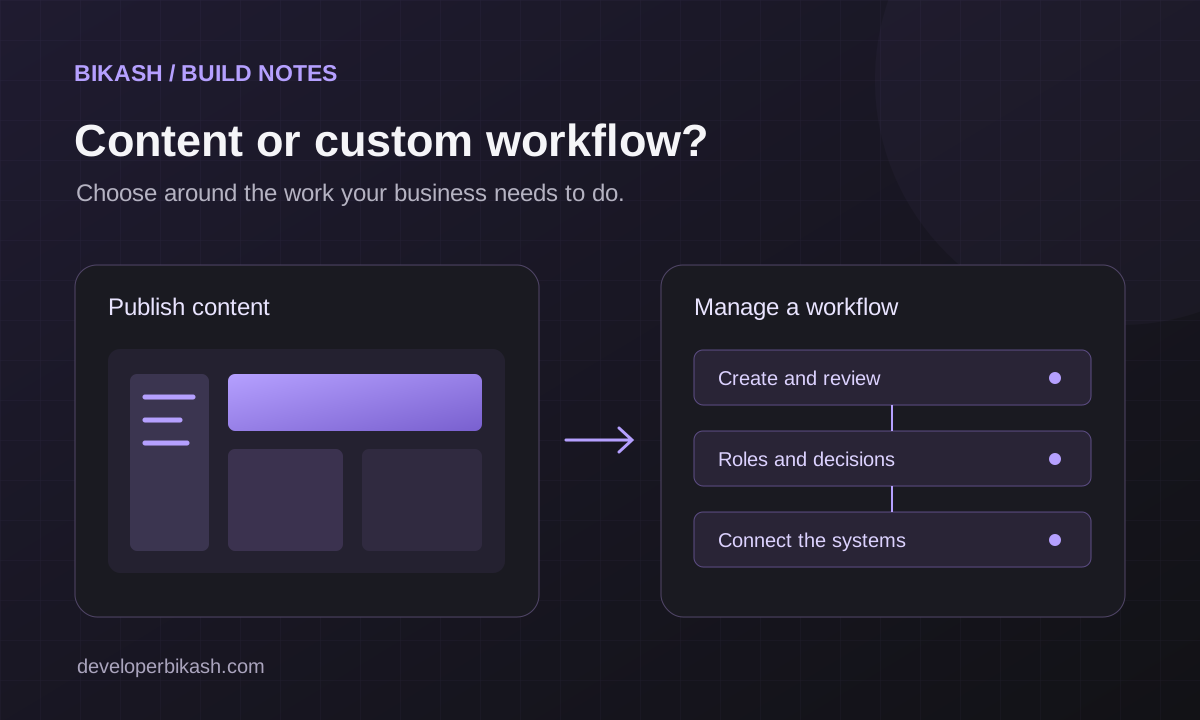
It depends on whether your site mainly publishes content or runs workflows like accounts, approvals and integrations. I cover how to decide in WordPress or a custom web app.
If you're planning a new WordPress build or fixing a slow one, and you want a WordPress site that loads quickly, ranks well and stays easy for your team to run, take a look at my WordPress development service, then send me a short note about your site. You can also book a 30-minute call to talk it through.