AI integration for small businesses pays off when it is aimed at one specific, repetitive job: sorting incoming requests, summarizing documents, helping people search, or suggesting the next product. Start with the process that costs your team the most time, connect it to an existing AI model through an API, and measure the result before you add anything else. Trying to put AI everywhere at once usually produces features nobody uses.
Some version of "where should we use AI?" comes up on a lot of my intro calls. Most owners don't need a company-wide AI strategy. They need one workflow that stops eating their week. This guide covers where I'd look first, what the integration work involves, and when it's worth paying a developer to do it.
What AI integration means for a small business
For a small business, AI integration almost never means training your own model. It means sending a task to a model that a provider such as OpenAI, Anthropic or Google already runs, through their API, and putting the answer to work inside a tool you already use.
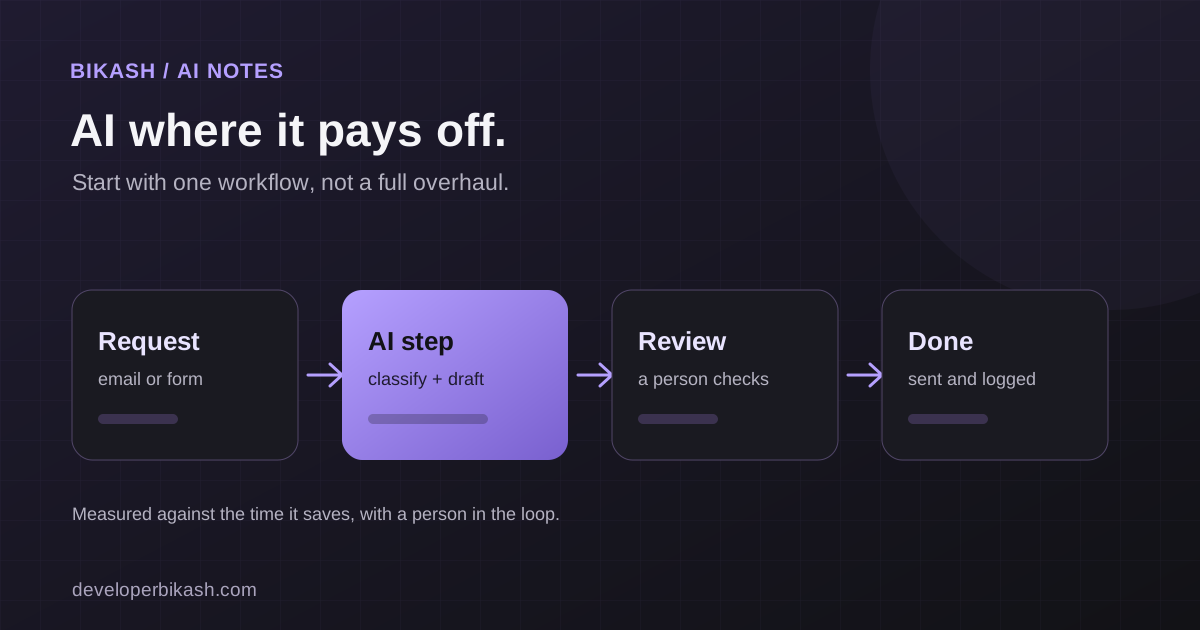
A typical flow looks like this. Your system sends the model a support email, a product spec or a customer question, along with instructions about what to do with it. The model returns text or structured data. Your code then saves it, shows it on screen or routes it to the right place.
The model is the easy part. The real work is deciding what to send it, what data it's allowed to see, how the result fits into the screens people already use, and what happens when it gets something wrong.
Where AI integration actually pays off for small businesses
Five areas come up again and again. Your own bottleneck should decide which one you look at first.
Automating repetitive sorting and routing
This is often the quickest return, because the work is predictable and the hours spent on it are easy to count. Good candidates include:
- Tagging incoming leads, tickets or orders by topic, urgency or product, so nobody has to read every one to decide where it goes.
- Summarizing long emails, call notes or contracts into a few lines someone can act on.
- Flagging items that need a person, such as an invoice that doesn't match its order or a message from an unhappy customer, and sending them to the right inbox.
Keep a person in the loop at first. Let the AI suggest the tag or the route, have staff confirm it for a few weeks, and automate fully only once the suggestions have earned your trust.
Smart search for catalogs and knowledge bases
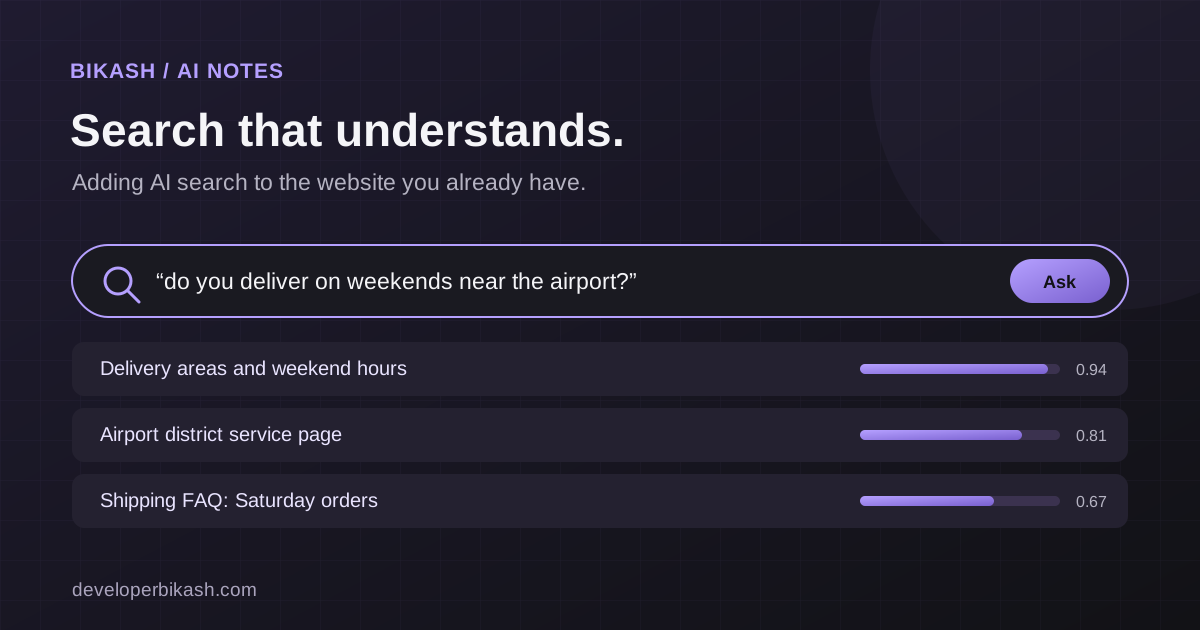
Keyword search only finds pages that contain the words someone typed. If a customer searches "warm jacket for hiking" and your product is called "insulated trail coat," a basic search may return nothing. AI-powered search compares meaning instead of exact words, so it can connect the two.
This matters most when you have a large product catalog, a help center, or an internal library of policies and documents that people struggle to find things in. If your site has a handful of pages, better navigation will do more than smarter search. I've written a separate guide on adding AI smart search to an existing website without rebuilding it.
Content and data workflows
A lot of office work is turning messy text into something usable, and AI is good at the first pass. It can draft product descriptions from a spec sheet for staff to edit. It can pull names, dates, amounts and line items out of invoices, forms or emails into fields your system can store. It can also group a pile of reviews or survey answers into themes, so someone reads a summary before deciding which raw comments to open.
The people doing this work still make the decisions. What goes away is the blank page and the copying and pasting. Build in a review step for anything customers will see, and spot-check extracted data against the original documents until you know how reliable it is for your paperwork.
Recommendations
This covers "you might also like" suggestions in a store, related articles on a content site, and add-on suggestions for a service business. A small team can now build a reasonable version from its own product and content data, without a data science department.
Volume decides whether it's worth it. With five products, a recommendation feature has nothing to work with. With hundreds of products or a deep content library, it starts to earn its place.
Customer support chatbots
Support chatbots are where many businesses start, and they often share the same content and retrieval setup as smart search. I cover scope, running costs and the escalation rules a good one needs in my guide to AI chatbots for customer support. If answering the same questions over and over is your biggest time drain, start there.
One design point is worth repeating here: an assistant should sit alongside other ways to get help. In KAKR Support, which I built, an assistant on the Claude API sits next to a searchable knowledge base and a full ticketing system with an admin panel and email notifications, so a visitor can switch to another route when the first one doesn't answer the question.
How to choose your first use case
Pick the one process that most clearly costs time or money today, then test it against four questions:
- Does it happen often enough that saving a few minutes each time adds up?
- Is the input mostly text or data you already have in one place?
- Would a wrong answer be easy to catch and cheap to fix?
- Can you measure before and after, even roughly, in hours spent, response times or searches that return nothing?
A use case that passes all four makes a good pilot. One that fails the third question, such as anything touching refunds, legal wording or health advice, needs much tighter controls and probably shouldn't be your first project.
How LLM API integration works
- Choose a provider and model. Providers differ in capability, pricing, rate limits and how they handle your data. A smaller, cheaper model is often enough for tagging, while customer-facing writing may need a stronger one.
- Prepare the data. Product records, help articles or past tickets usually need cleaning up and storing in a form the system can retrieve. For search and support, that means indexing content so the right pieces can be found and passed to the model with each request.
- Write the instructions and the guardrails. The prompt tells the model what to do and what format to return. The code around it controls what the model can see and what it's allowed to trigger.
- Connect it to the tools people already use: your website, app, CRM, help desk or admin dashboard. A feature that lives in a separate tab tends to get ignored.
- Test with real examples and keep reviewing. Run it against actual tickets, searches or documents, fix what it gets wrong, and log its output after launch so you can see where it struggles.
Steps two to five take most of the effort. If a proposal talks mostly about which model it will use and says little about data, testing and monitoring, ask why.
What drives the cost of an AI integration
I won't put a number on an AI feature without seeing the project, because the same feature can be small or large depending on what surrounds it. These are the things that move the budget:
- How messy the source data is, and how much cleanup it needs before anything can be indexed.
- How many systems the feature has to read from or write to.
- Whether it's customer-facing, which means more testing, more design work and clearer handling of failures, or internal.
- How much the AI may do on its own compared with suggesting actions for a person to confirm.
- Ongoing usage. Every request to a hosted model has a running cost that grows with volume, on top of hosting and maintenance.
A focused AI feature in an existing product usually costs $3,500 to $12,000 with me, plus the AI provider’s usage fees. For how AI features fit into a wider build budget, see how much it costs to build an MVP in 2026.
Build it in-house or hire a developer
If you have a developer on staff who is comfortable with APIs, and the first project is internal and low risk, such as tagging tickets, building it yourself is reasonable.
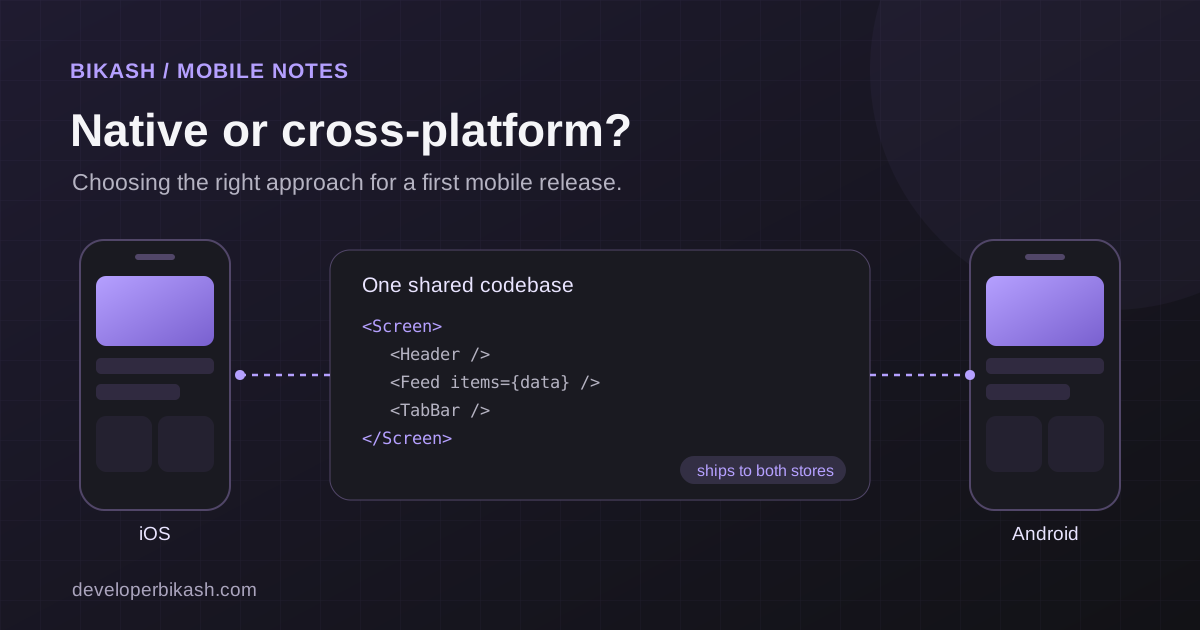
Bring in someone with integration experience when the feature faces customers, when it has to connect to an existing web app, store or mobile app without breaking anything, or when you'd rather not spend months learning by trial and error. If you're weighing a freelancer against an agency for this kind of work, my freelancer vs agency comparison covers the tradeoffs.
Whoever builds it, ask for the code, prompts and data pipelines to be documented and handed over. You should be able to switch model providers later without starting again.
Frequently asked questions
How much does AI integration cost for a small business?
It depends on scope. One well-defined feature added to a system you already have costs far less than a project that touches several systems at once. Budget for usage fees and maintenance after launch as well as the initial build.
How long does it take to add AI to an existing system?
A focused pilot usually takes 2 to 5 weeks when the data is in reasonable shape and the developer has access to the systems involved. Messy data, several integrations or slow feedback cycles stretch that out.
Do I need to rebuild my website or app to add AI?
Usually not. Most AI features connect to an existing site, app or store through an API. A developer should look at your current setup first and tell you plainly if something in it would get in the way.
Is it safe to send business data to an AI provider?
Read the provider's data and retention terms before you start, and send only the data a task needs. Keep sensitive personal or financial data out of prompts unless your agreements and the provider's terms cover it, and limit who can see the logs.
Should I start with a chatbot?
Only if repeat customer questions are where you lose the most time. For many businesses, automating internal sorting or fixing search pays off sooner, and it builds the clean content a chatbot would need later anyway.
If you'd like a second opinion on where AI fits in your business, I'll look at your workflow and tell you which use case I'd try first, or whether it's worth doing yet. You can read about my AI development service, send me a message, or book a 30-minute call.