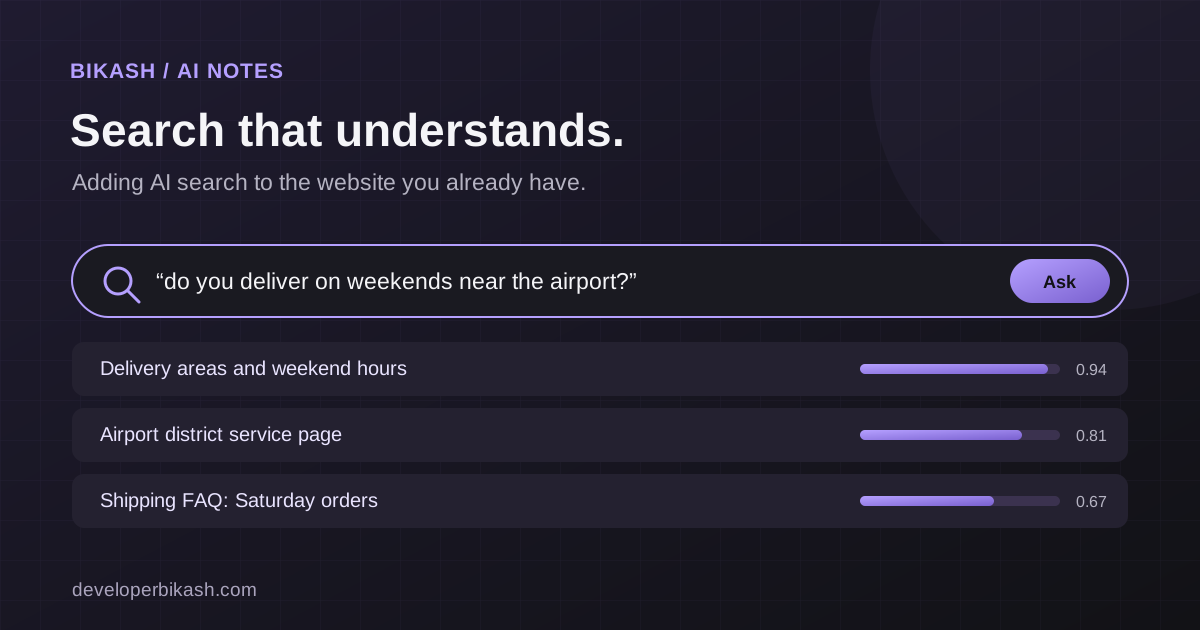
You can add AI-powered smart search to an existing website without a full rebuild by putting a semantic search layer behind the search box you already have. Your content is indexed as embeddings, a search service matches each query by meaning, and the results come back to the same search page. The front end barely changes; most of the work is in preparing the content and tuning the results.
Search is one of the few places where a visitor tells you exactly what they want. When it returns nothing, they usually assume you don't have it and leave, even when the answer is on your site under a different name. This guide covers what AI smart search is, when it's worth adding, and what the work involves on WordPress and custom web apps.
What AI-powered smart search is
Traditional site search looks for the words a visitor typed. AI smart search, often called semantic search, looks for content that means the same thing.
It works by turning text into embeddings: lists of numbers produced by an AI model that place similar meanings close together. Each page, product or help article is converted into an embedding once and stored. When someone searches, their query is converted the same way, and the system returns the content whose embeddings sit closest to it. That's how "cancel my plan" can find a page titled "Managing your subscription" even though the two share no words.
The embeddings usually live in a vector database or a database with vector support. Pinecone and Weaviate are dedicated options, and PostgreSQL can handle vectors through the pgvector extension, which is also what Supabase uses.
How it differs from keyword search
Keyword search still has strengths, so it helps to see the two side by side.
| Question | Keyword search | AI smart search |
|---|---|---|
| What does it match? | The exact words in the query | The meaning of the query |
| Synonyms and loose phrasing | Misses them unless someone adds synonyms by hand | Usually handles them |
| Exact codes, SKUs and names | Very good | Can be weaker on its own |
| How are results ranked? | Mostly by where and how often the words appear | By how close the content is in meaning |
| What does it need? | Usually built into the platform | An embedding model, an index and a sync process |
The exact-match row matters. If people search your store for part numbers or model names, pure semantic search can rank a similar product above the exact one. Many good setups combine the two in what's called hybrid search: keyword matching for precision, semantic matching for everything phrased loosely. That's what I recommend for most catalogs.
When it's worth adding smart search
Not every site needs this. It becomes worth the effort when some of these are true:
- You have more products, articles or help pages than people can comfortably browse, so search becomes the main way around the site.
- Support requests keep asking questions your site already answers. That usually means people can't find the answer, not that it's missing.
- You run a knowledge base, FAQ library or documentation hub, where visitors describe a problem in their own words rather than the words in your headings.
- Your analytics show lots of searches with no results, or visitors leaving straight from the results page.
If the site is still small, try the cheap fixes first: clearer navigation, better page titles and a few redirects for common terms. When those stop being enough, smart search is the next step.
How to add AI smart search to your website without a full rebuild
The idea is to add a layer behind your site, leaving the site itself in place. A typical project runs in four stages.
- Index the content. Pull the pages, products, articles or documents you want searchable from your CMS, database or API, split long pages into sensible chunks, and generate an embedding for each chunk.
- Set up the search service. Store the embeddings in a vector database, then build a small API that takes a query, embeds it, finds the closest matches, applies any keyword or filter rules, and returns ranked results.
- Point the existing search box at it. Visitors keep the same search field and results page. What changes is where the results come from, so the design, hosting and existing pages stay as they are.
- Keep the index current. Hook into publish, update and delete events so new content is indexed straight away and removed content disappears from results, without anyone re-running a script by hand.
Because the work sits in the content and backend layers, you don't need to redesign the site, migrate hosting or rebuild templates. The search results page may need small changes, such as showing a snippet from the matching section, but that's a small change to one template.
What the work involves
Founders often expect the AI part to be the hard part. In practice, the effort goes into the content and into testing.
Content preparation comes first. Decide what should be searchable and what shouldn't: old landing pages, duplicate posts and thin tag archives make results worse. Messy or repeated content produces messy results no matter how good the model is.
Next comes choosing an embedding model and a chunking approach. The right model depends on your content, your languages and your volume, and chunk size affects whether results point to the right part of a long page.
Permissions need care. If some content is for logged-in members or customers only, the search service has to respect that, so private pages never appear for the wrong visitor. This is easy to get wrong with a generic setup.
The last step is tuning against real queries. Collect the searches people actually run, check what comes back, and adjust ranking, filters and the keyword blend. Keep logging zero-result and low-click searches after launch. They show you where the content itself has gaps, and that's often the most useful output of the whole project.
Platform notes: WordPress, custom apps, stores and mobile
On WordPress, smart search usually arrives as a plugin. A custom plugin can send posts to the index whenever they're saved and replace the default search query, so editors keep working in the admin exactly as they do now.
On a custom web app built with Nuxt, Next.js, React or similar, it's normally a dedicated API route or small search service that the existing search component calls. You get full control over ranking, filters and access rules.
For stores, combine semantic matching with the filters shoppers already use, such as category, price and availability, and keep exact matches for product codes. A shopper who doesn't know the product's name benefits most.
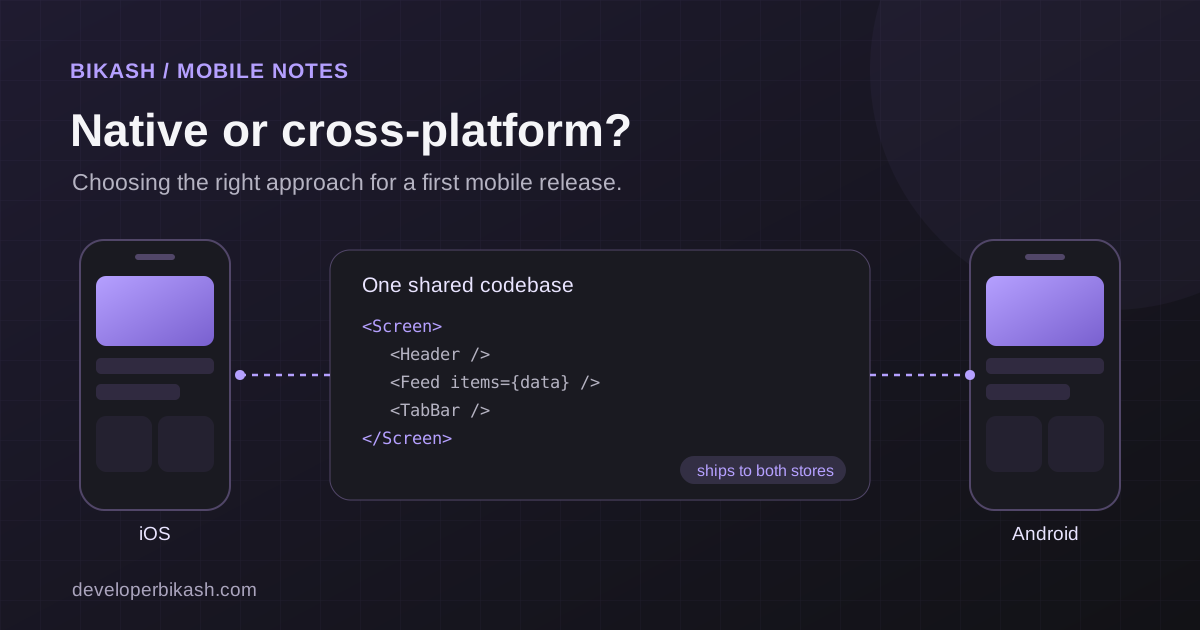
A mobile app can call the same search API as the website, so you build it once. If an app is on your roadmap, my guide to cross-platform vs native apps covers how to approach that part.
Search also rarely works alone on a support site. In KAKR Support, the support system I built, a searchable knowledge base sits next to an AI assistant on the Claude API and a full ticketing route, which gives people another way forward when a search doesn't find their answer. A support chatbot can use the same index; I cover that in my article on AI chatbots for customer support.
Off-the-shelf plugin or custom integration
Hosted search services and AI search plugins can be a sensible start for a small site with one type of content. Install one, test it with your real queries, and see whether the results are good enough.
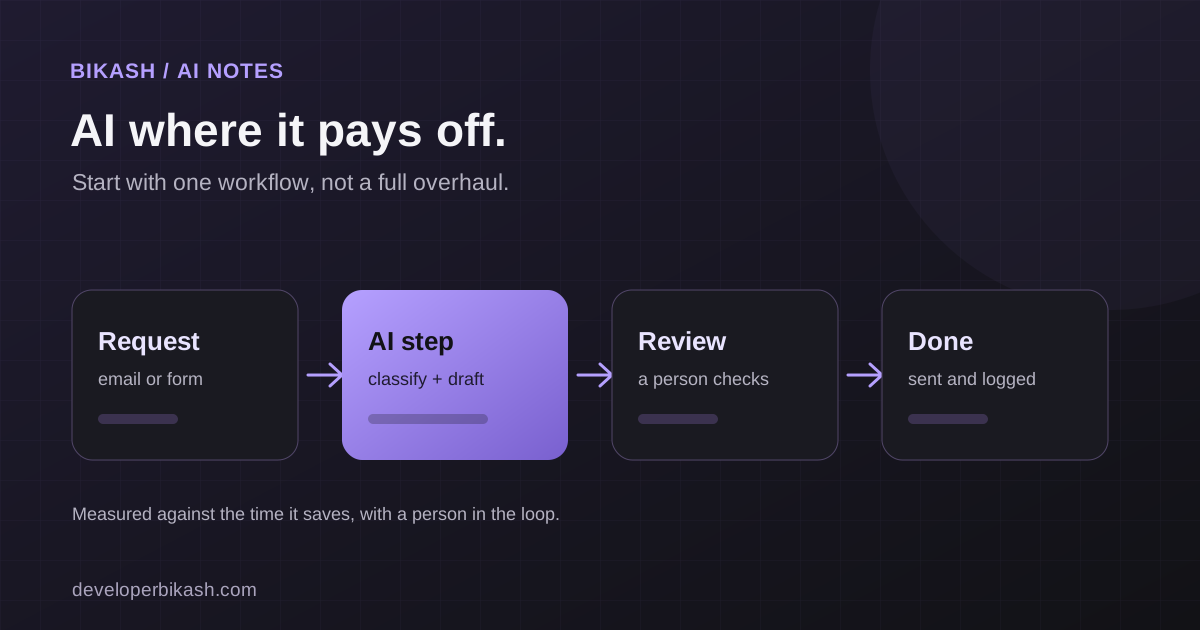
They tend to fall short when you have several content types that need different ranking, member-only content, exact-match needs alongside semantic ones, or connections to other systems such as a help desk or CRM. That's when a custom integration earns its cost. It's also the better choice if you plan to add other AI features later, because the same index can serve search, recommendations and a support assistant. I explain how those pieces fit together in AI integration for small businesses.
What drives the cost
The budget depends on how much content you have and how clean it is, how many content types need separate handling, whether private content is involved, how deeply search connects to other systems, and how much tuning the results need. There are also running costs: generating embeddings, hosting the vector database, and the per-query cost of whichever AI services you use. As a guide, adding AI search to an existing site usually costs $3,500 to $12,000 with me and takes 2 to 5 weeks, plus those running costs. For wider build budgets, see how much it costs to build an MVP in 2026.
Frequently asked questions
Will AI search slow down my website?
It shouldn't affect how fast your pages load, because search only runs when someone searches. Each search does add a call to the search service, so a good setup caches common queries and keeps that call quick. Test response times before launch.
Do I need to move to a new platform to get smart search?
No. It sits on top of your existing WordPress site or web app and reads its content. Your hosting, design and pages can stay as they are.
Can it search member-only or private content?
Yes, but the search service must check who is searching and filter results to match their access. Plan this from the start rather than adding it later.
How do I know if smart search is working?
Compare before and after: the share of searches that return nothing, how often people click a result, and whether repeat support questions drop. Review real queries every few weeks for the first months after launch.
If your visitors can't find what's already on your site, I can look at your search, your content and your platform and tell you whether smart search is worth it or a simpler fix will do. Read about my AI development service, get in touch, or book a 30-minute call.