Most small businesses do not need a mobile app to start. A fast, mobile-friendly website covers what the majority of customers want: finding you, reading about what you do and getting in touch. An app earns its cost when people will use your product often, when you need features a browser handles badly, or when push notifications and offline access are part of the value.
Building an app first, before you know people want one, is one of the more expensive ways to learn that. This guide helps you decide, in plain terms, which of the three main options fits your business.
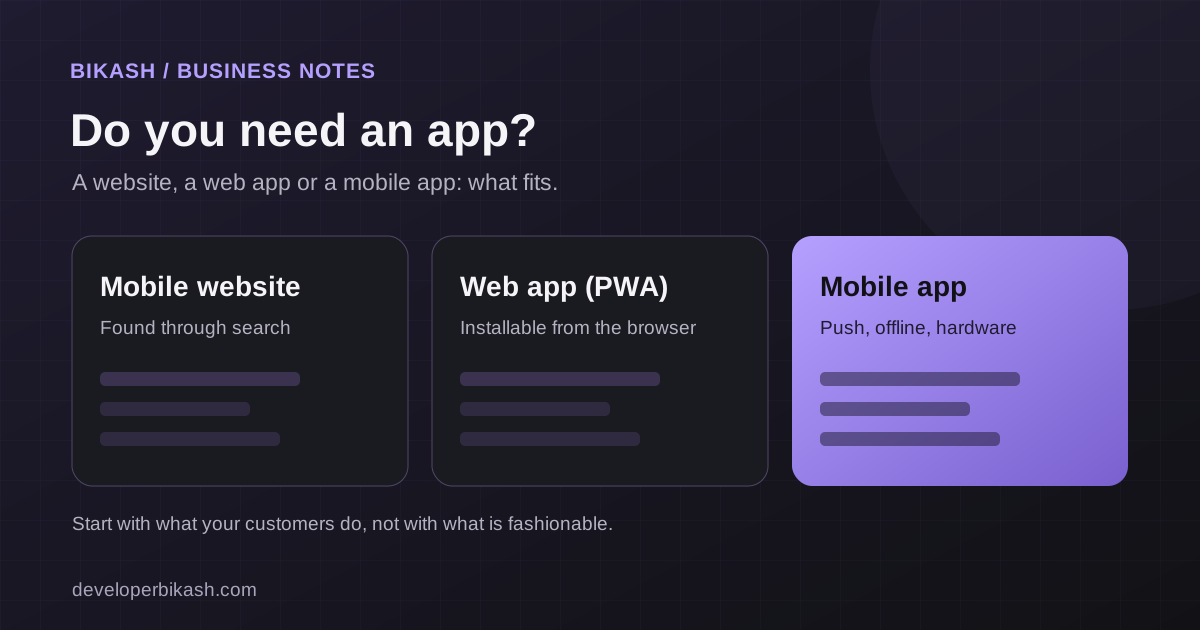
Your three options
| Option | What it is | Best for |
|---|---|---|
| Mobile-friendly website | A normal website that works well on phones and is found through search | Information, lead generation, bookings, ecommerce and local businesses |
| Progressive web app (PWA) | A web app that can be added to the home screen and work with limited connectivity | Tools and dashboards used regularly, where you do not need the app stores |
| Mobile app (iOS and Android) | An app installed from the App Store or Google Play | Daily-use products, push notifications, device features and offline use |
When a mobile-friendly website is enough
A website is usually the right first step if people mostly find you by searching, if each visit is short and one-off, or if your goal is to get enquiries, bookings or orders. Customers do not install an app to read a menu once, check opening hours or request a quote. They want a page that loads fast and works well on their phone.
A website also has a big advantage that apps lack: search engines can send you visitors. An app in a store competes with millions of others for attention, while a good page can rank for the questions your customers already ask. If you need one, a WordPress business website starts at $3,500 with me and usually takes three to six weeks.
When a progressive web app fits
A PWA sits between a website and an app. Users open it in the browser and can add it to their home screen, and it can keep working with a weak connection. It suits tools that staff or members use regularly, such as dashboards, booking systems or internal apps, and it avoids store fees, store review and separate iOS and Android builds. The limits are device features and discoverability: support for things like notifications and background tasks is narrower on iPhones than on Android, so check what you need before you choose it.
When a mobile app is worth building
An app is worth the extra cost when several of these are true:
- People will use it often. Daily or weekly habits, such as tracking workouts, reading the news or managing a routine, justify an icon on the home screen.
- Push notifications matter. Reminders, alerts and updates that bring people back are a core part of the product.
- It needs the phone's hardware. Camera, Bluetooth, health data, background location or the biometric sensor work best in a real app.
- Offline use is important. People need it on a plane, on a job site or in a basement.
- You sell subscriptions or digital goods in the app. Customers expect to buy that way, and the stores handle billing, with a commission.
- The experience needs to feel native. Smooth gestures, animations and system integration make a real difference to the product.
Both apps I have published fit this pattern. My InstaFit and News Briefing are products people open repeatedly, which is the case where an app makes sense.
Eight questions to ask before you decide
- Will customers use this weekly or more, or once in a while?
- Do they need to be reminded or notified?
- Does the product need the camera, sensors or Bluetooth?
- Must it work without internet?
- Could a mobile-friendly website do the same job for most people?
- Do my customers already search Google for what I offer?
- Can I afford to build, maintain and promote an app, not only build it?
- Do I have enough people who would install it on day one?
If you answered yes to the first four and no to the fifth, an app is worth a serious look. If most answers point the other way, start with a website.
What each option costs
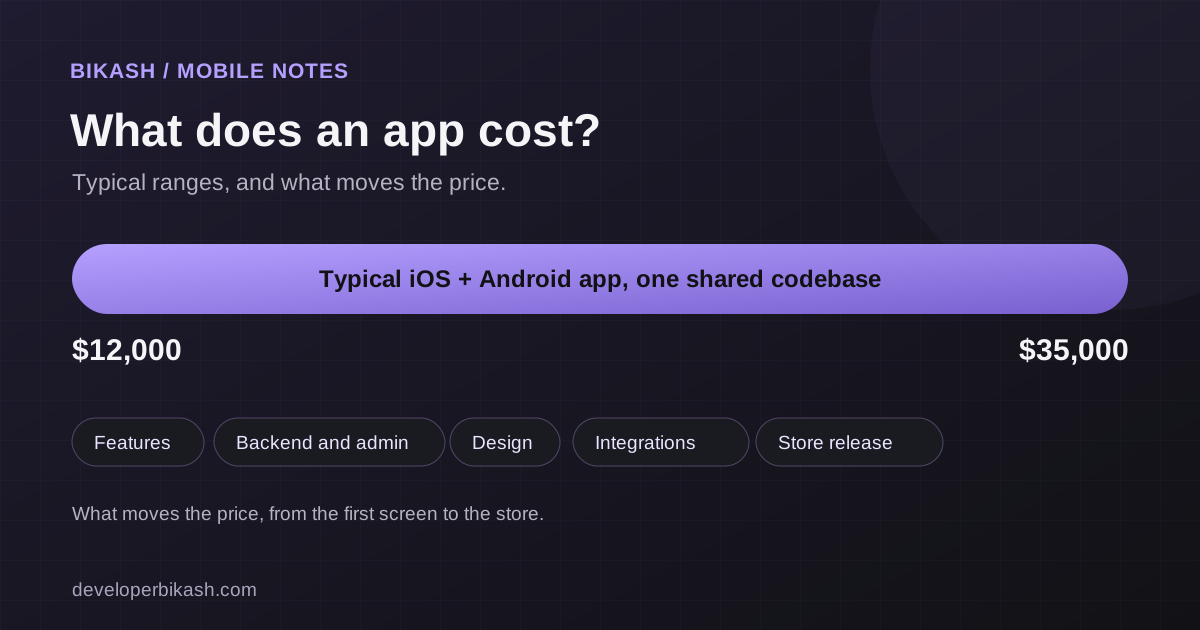
As a guide, a WordPress business website starts at $3,500 and a typical project runs from $3,500 to $10,000. A cross-platform mobile app for iOS and Android starts at $12,000 and typically runs from $12,000 to $35,000, taking eight to fourteen weeks plus store review. A PWA falls between them depending on how much logic it has. Native apps built separately for each platform cost more again.
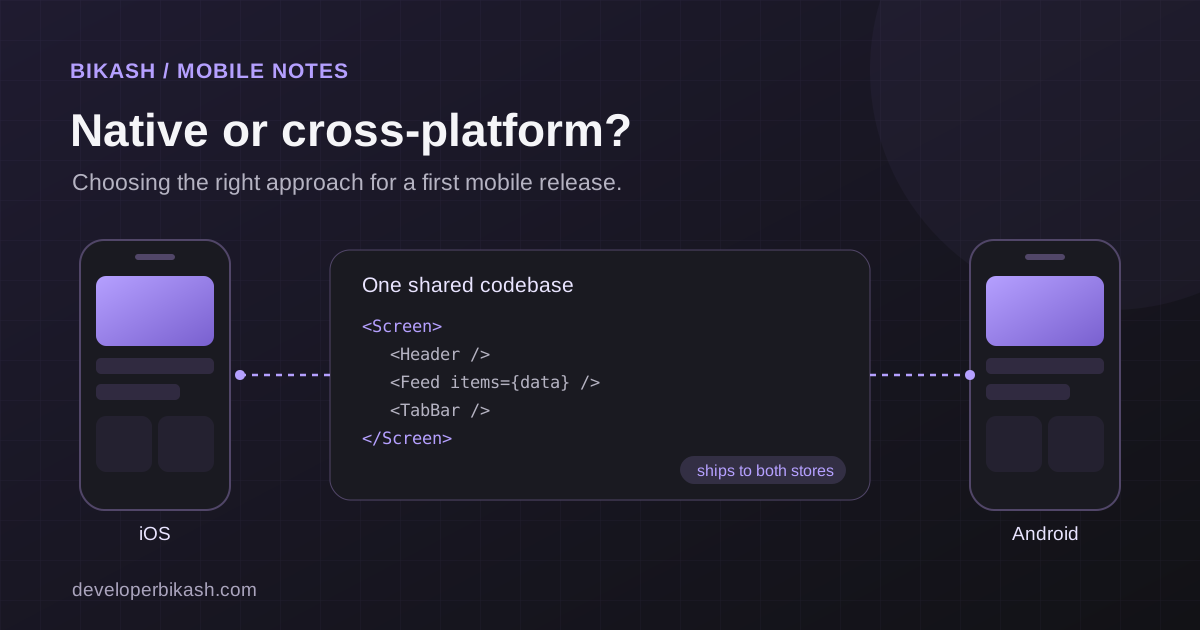
The build is only part of it. Apps also need upkeep for operating system updates, store fees, hosting for the backend and some marketing. My guides to mobile app development cost and MVP development cost break down those numbers. Once you decide to build an app, cross-platform vs native apps helps you choose the approach.
A sensible path for most businesses
- Start with a fast website that explains what you do and makes contact easy.
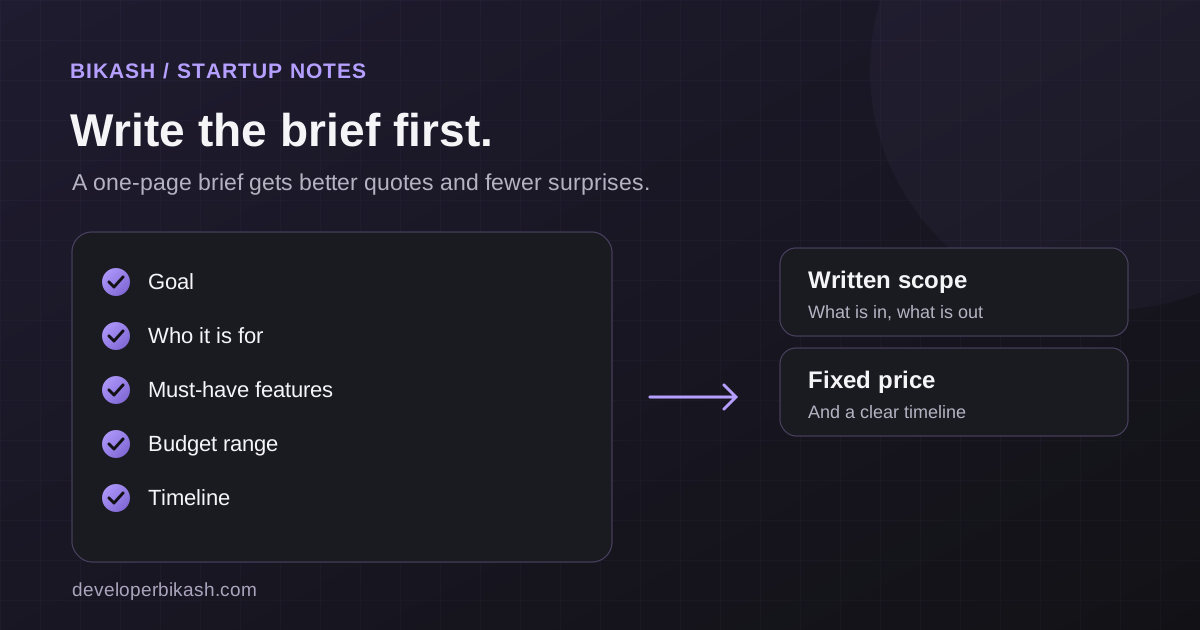
- Test demand. Watch how customers use the site. Ask them what they would want in an app.
- Build a small web app or MVP if the idea needs logins and custom features. It is cheaper to change than a published app.
- Move to a mobile app when usage, notifications or device features clearly justify it. I cover how long that takes in how long it takes to build an app.
Common mistakes to avoid
- Building an app because competitors have one, without checking how their customers use it.
- Treating the launch as the finish line, with no budget for updates and support.
- Putting every feature into version one. A focused app is cheaper, faster and easier to learn from.
- Ignoring search. An app does not replace a website that people can find on Google.
Frequently asked questions
Should I build a mobile app or a website first?
For most businesses, a website first. It costs less, can be found through search and teaches you what customers want. Build an app when frequent use, notifications or device features clearly call for it.
Is a progressive web app as good as a native app?
For many tools, yes. For products that need strong device integration, background features or a presence in the app stores, a real app is a better fit. Your list of must-have features decides it.
How much does it cost to maintain an app?
Plan for ongoing costs: updates for new phone software, developer account fees, backend hosting, bug fixes and support. A common planning rule of thumb is roughly 15 to 20 percent of the build cost per year, which you should treat as a rough guide.
Do customers really want an app for my business?
Ask them. Check how many of your visitors come on phones, which pages they use and what they ask for by email or phone. If the main requests are for information or bookings, a good mobile website serves them well.
If you are unsure which option fits your business, I will give you a straight recommendation based on your goals and budget. See my mobile app development service, tell me about your project, or book a 30-minute call.