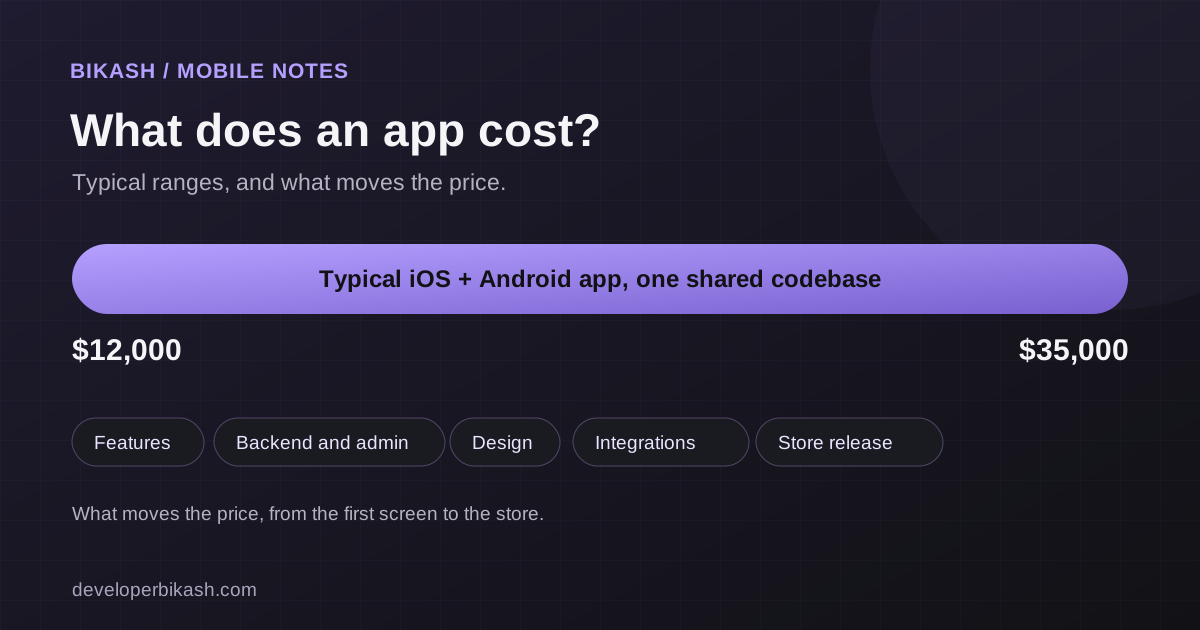
A cross-platform mobile app for iOS and Android usually costs between $12,000 and $35,000 when I build it. The number depends far more on what the app does than on how it looks. A focused app with one main job sits near the bottom of that range. An app with accounts, payments, an admin panel and outside integrations sits near the top, and two separate native apps cost more again.
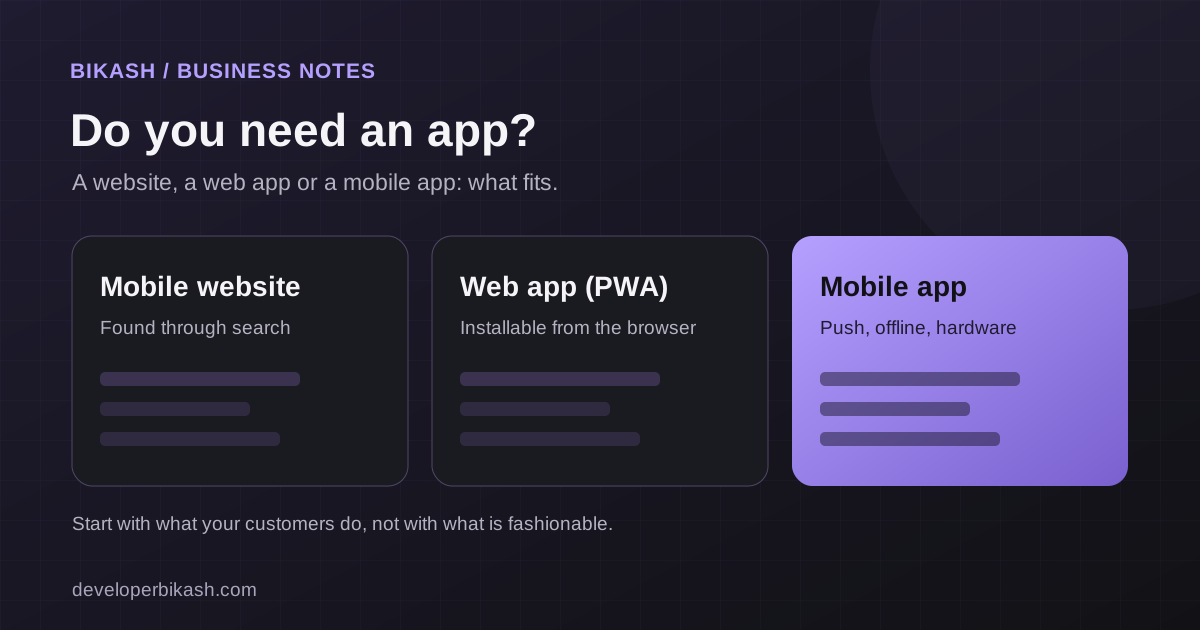
This guide explains where those numbers come from, so you can read a quote critically and decide what to build first. If you are earlier in the process and still weighing a web app against a mobile app, my guide to MVP development cost covers the web side.
The short answer: what a mobile app costs
These are illustrative ranges for a cross-platform app built once and released on both iOS and Android. Your real price comes from a written scope, not from a table, but the table shows how scope moves the number.
| App size | What is usually included | Illustrative budget | Typical timeline |
|---|---|---|---|
| Focused app | One core flow, simple sign-in, a handful of screens, basic settings | $12,000 to $18,000 | 8 to 10 weeks |
| Mid-size app | Accounts, payments or subscriptions, push notifications, an admin panel | $18,000 to $28,000 | 10 to 12 weeks |
| Complex app | Several user roles, real-time features, deep integrations, offline use | $28,000 to $35,000 and up | 12 to 14 weeks or more |
Timelines are for build and testing. App store review comes on top, and I plan for it separately. My guide to how long it takes to build an app goes through the schedule in more detail.
What drives the price of a mobile app
The number of features
Every feature has a screen, some logic, error states and testing behind it. Ten simple features are not ten times the work of one, but they are close to it once you count edge cases. This is the biggest lever you control, and the best way to use it is to cut the feature list to what a first user truly needs.
The backend and admin tools
Many people picture the app and forget the server behind it. If users sign in, save data, receive notifications or pay, someone has to build and host the part they never see. If your team needs to manage content, orders or users, that means an admin panel, which is a second product with its own screens. Apps that look simple on a phone are often half backend by effort.
Design work
A clean interface built from proven components costs less than a fully custom visual identity with bespoke animation. Custom design is worth paying for when the look is part of why people will choose your app. For many first releases, a considered but standard interface gets to market faster and teaches you more.
Integrations and third-party services
Payments, maps, chat, analytics, calendar sync, AI features and links to a business system each add integration work. Services with good documentation take days. Older or poorly documented systems can take weeks, so ask about them early.
Platforms and approach
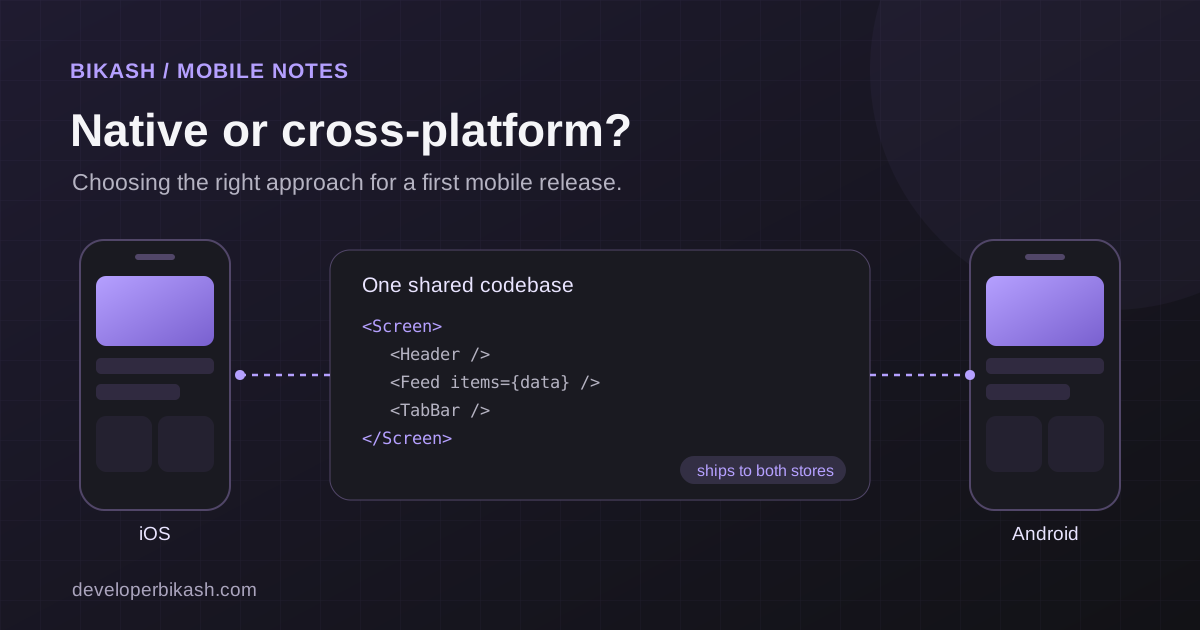
One shared codebase for both platforms costs less than two native apps, because most of the app is built and maintained once. I explain the trade-offs in cross-platform vs native apps. Both of my own published apps use a shared codebase: My InstaFit uses Capacitor and News Briefing uses Flutter.
The costs people forget
The build quote is rarely the whole bill. Plan for these as well.
- Developer accounts. Apple charges an annual fee for its developer program and Google charges a one-time registration fee. Both amounts change, so check the current figures before you budget.
- Hosting and services. The backend, database, file storage, email, SMS and push notifications often have monthly costs that grow with your user count.
- Store commissions. If you sell digital goods or subscriptions inside the app, Apple and Google take a share of each sale, usually between 15 and 30 percent depending on your program and revenue.
- Maintenance. Phones get new operating system versions every year, and libraries need updates. A common planning rule of thumb is to set aside roughly 15 to 20 percent of the build cost per year. Treat it as a rough guide, not a quote.
- Legal basics. You need a privacy policy, accurate store privacy answers and terms that match what the app does.
- Marketing. An app does not get discovered by existing. Budget something for launch, even if it is only your time.
Native vs cross-platform: the cost difference
Building natively means one app in Swift for iOS and another in Kotlin for Android. Features are designed, built, tested and maintained twice, so the price is higher and the schedule is longer. That extra cost buys top performance and early access to new platform features, which matters for graphics-heavy or hardware-heavy products. For most business and consumer apps, a cross-platform build delivers the same experience for less money. If your early users are mostly on one platform, launching there first can save even more.
How to lower the cost without cutting quality
- Build one core flow first. Pick the one thing a user must be able to do, and ship that. Add the rest after real people use it.
- Use proven services instead of building them. Sign-in, payments, push notifications and analytics all exist as reliable services. Building them yourself rarely pays off.
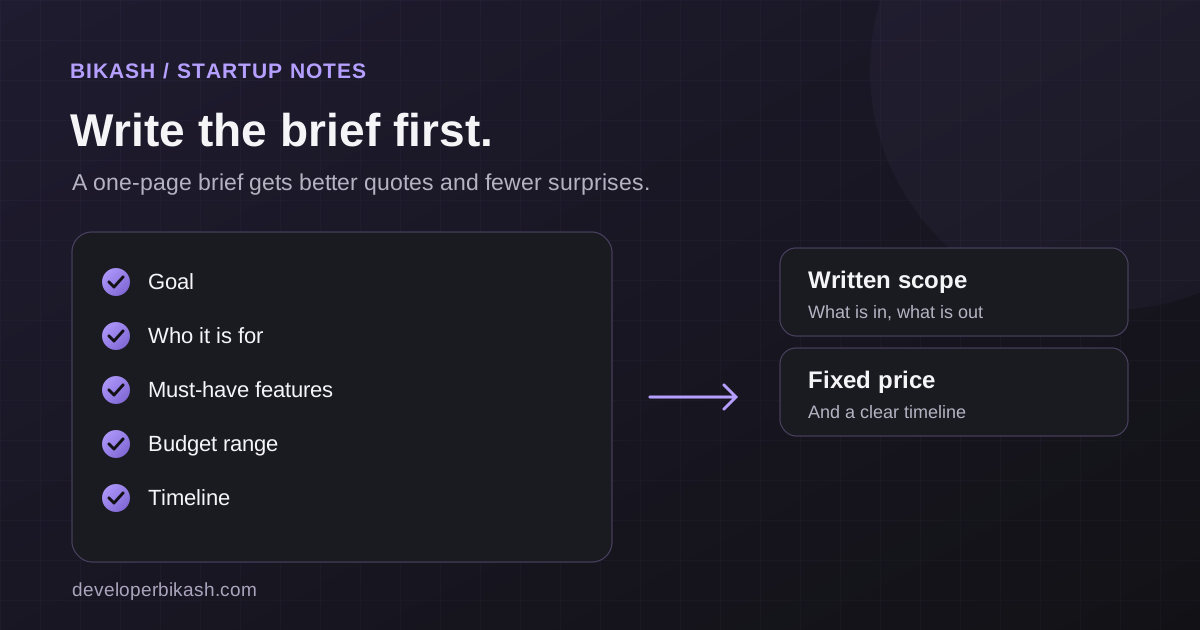
- Write down what you want before you ask for quotes. A clear brief gets a tighter quote and fewer surprises. My guide to writing a project brief for a developer has a template.
- Decide content and copy early. Waiting on text, images and approvals is a common cause of delay and rework.
- Phase the roadmap. Plan version one, version two and a wish list. Versions you have not built yet can be funded by the revenue or learning from version one.
- Compare quotes by scope, not price. Two quotes that differ by half usually describe two different apps. Ask what is and is not included.
How I price a mobile app project
I start from a written scope that lists the screens, features, integrations and what is out of scope. From that I give a fixed price and a timeline, usually split into milestones so you see working software along the way. Cross-platform mobile apps start at $12,000 with me, and most land between $12,000 and $35,000. I have built and published my own apps on both stores, and I use that experience to flag early the things that tend to delay a release, such as store review requirements and privacy forms. My step-by-step guide to publishing an app on Google Play and the App Store covers that part.
Frequently asked questions
Can I build a good app for under $5,000?
Not a custom cross-platform app with accounts and a backend, in my experience. If your budget is smaller, the sensible routes are a no-code tool for a simple internal app, or a web app first. A focused MVP web app lets you test the idea at a lower cost before you commit to the app stores.
Why do app quotes vary so much?
Because the scope behind them differs. One quote may include the backend, admin panel, design and store release, while another covers only the screens. Ask each developer to list what is included and what is not.
Do I need a backend for my app?
If users sign in, save data, pay, or see content that changes, yes. Apps that work fully on the device, like a simple calculator or timer, may not need one.
Who should own the code and the store accounts?
You should. Make sure your agreement states that you own the source code and that the app is published under a developer account in your name or your company's name, so you are never locked in.
If you have an app idea and want a realistic number, I will review it and give you an honest range. See my mobile app development service, try the MVP cost calculator, tell me about your project, or book a 30-minute call.