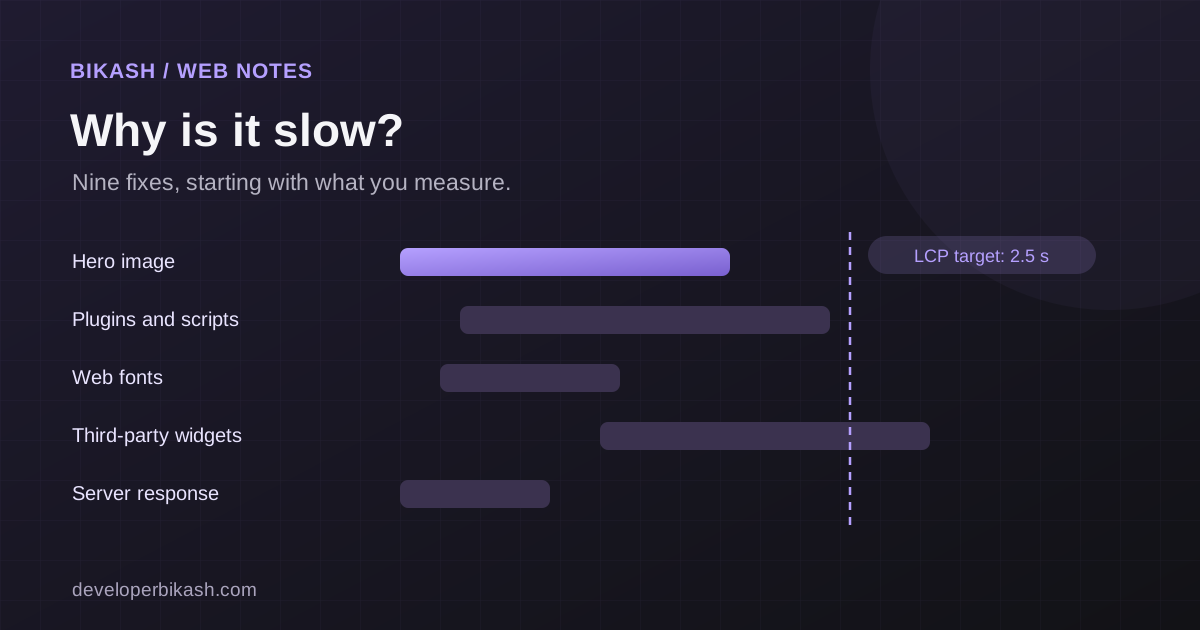
Most slow websites are slow for a few ordinary reasons: oversized images, too many scripts, heavy plugins, weak hosting and no caching. The fix is to measure first, find the single biggest cause, and deal with that before touching anything else. A site that loads its main content within about 2.5 seconds on a mid-range phone feels fast to most visitors.
Speed matters because people leave slow pages, and slow pages convert fewer visitors into enquiries. It is also part of how Google judges page experience. Here are nine fixes, in the order I usually work through them.
1. Measure before you change anything
Guessing wastes time. Open your page in PageSpeed Insights and look at two things: the lab test, which runs your page once under fixed conditions, and the field data, which shows how real visitors on real devices experienced it. If you have Search Console, its Core Web Vitals report shows the same for your whole site and groups pages with the same problem.
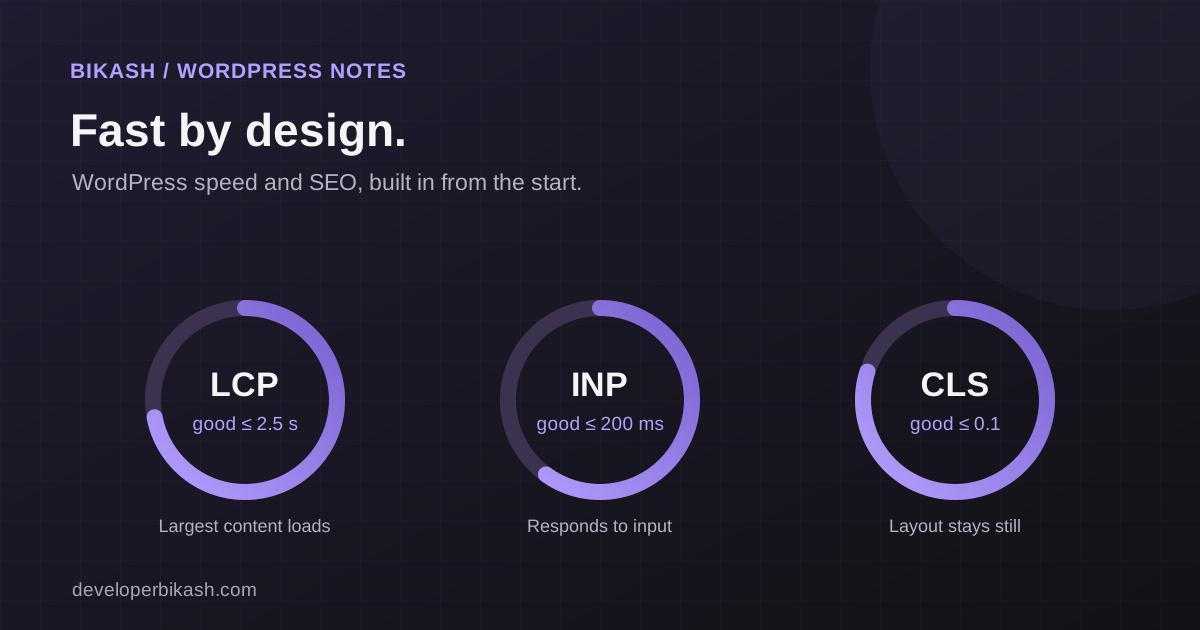
Google's thresholds for a good experience are the targets to aim for.
| Metric | What it measures | Good |
|---|---|---|
| Largest Contentful Paint (LCP) | How fast the main content appears | 2.5 seconds or less |
| Interaction to Next Paint (INP) | How quickly the page responds when someone taps or clicks | 200 milliseconds or less |
| Cumulative Layout Shift (CLS) | How much the layout jumps around while loading | 0.1 or less |
A perfect score is not the goal. Passing these three for real users is.
2. Compress and resize your images
Images are the most common cause of a slow page. A photo straight from a camera or a design tool can be several megabytes, when the space on your page needs a fraction of that. Resize each image to the size it is actually shown, save it in a modern format such as WebP or AVIF, and compress it. Give small screens a smaller file using responsive image sizes. Lazy-load images that sit below the first screen, but never lazy-load the main image at the top.
3. Fix the largest element on the page
PageSpeed Insights tells you which element counts as your LCP. It is often a hero image or a large heading. Make that one element arrive first: preload it, give it high fetch priority, size it correctly and do not hide it behind a slider or animation script.
I ran into exactly this on my own site. The hero poster image turned out to be the largest element and it loaded late. Preloading it, marking it high priority and serving smaller sizes to small screens fixed it, with no change to how the page looks.
4. Cut or delay third-party scripts
Chat widgets, tag managers, ad pixels, social embeds, heatmaps and review badges all load code from other companies, and you do not control how fast it runs. Audit them. Remove what nobody uses, and load the rest after the page is interactive or after the visitor does something, such as opening the chat. Each script you cut helps both load time and responsiveness.
5. Clean up plugins and your theme
On WordPress, every plugin can add scripts, styles and database queries to every page, even pages that do not use it. Deactivate the ones you do not need and replace heavy ones with lighter options. Be careful with multipurpose themes and page builders that load huge libraries for a few effects. If a site needs a lot of workarounds to stay fast, a leaner build is often cheaper than endless tuning. I compare the options in WordPress vs a custom web app, and in my guide to a fast, SEO-friendly WordPress website.
6. Add caching and a CDN
Caching saves a ready-made copy of a page so the server does not rebuild it for every visitor. Page caching, browser caching for static files and, on busy sites, object caching all help. A content delivery network, or CDN, then serves those files from a location near each visitor. Together they cut the waiting time before anything appears.
7. Check your hosting
If the server takes a long time to start responding, nothing you do on the page can fully hide it. Look at the server response time in your test results. Cheap shared hosting that is crowded or far from your audience is a frequent cause. Make sure you run a current PHP version if you use WordPress, and consider managed hosting if you have outgrown a basic plan.
8. Tame fonts, CSS and JavaScript
- Fonts. Use fewer families and weights, load only the character sets you need and show fallback text while the font loads.
- CSS. Remove styles that no page uses and inline the small amount needed to draw the first screen.
- JavaScript. Minify it, defer anything that is not needed immediately and split large bundles so each page loads only its own code.
Heavy JavaScript is also the usual cause of a poor INP score, because the browser is too busy to react when someone taps.
9. Stop the page from jumping
Layout shift happens when something loads late and pushes the content around, such as an image with no set size, a banner that appears at the top, or an ad slot. Set width and height on every image and video, reserve space for embeds and banners, and avoid inserting content above what the visitor is already reading.
When to bring in a developer
You can do the first two or three fixes yourself with free tools. Bring in a developer when the problem sits in the theme, the server configuration or the code, or when you have fixed the obvious things and the scores still fail. A good audit finds the few changes that matter instead of chasing a score. My website speed optimization service starts from $800 and usually takes one to two weeks.
Frequently asked questions
What is a good PageSpeed score?
The number out of 100 is a guide, not the target. What matters is whether your real visitors get good Core Web Vitals, which the field data in PageSpeed Insights and Search Console shows. A site can have a modest lab score and still pass for real users.
Does website speed affect SEO?
Speed is one of many signals Google uses, and relevant, useful content matters more. But a slow site loses visitors before they read anything, so it hurts your results either way.
How fast should my website load?
Aim for the main content to appear within about 2.5 seconds on a typical mobile connection. Faster is better, but the gain from 2.5 seconds to 1 second is smaller than the gain from 6 seconds to 2.5.
Why is my site fast on desktop but slow on mobile?
Phones have slower processors and often weaker connections, so large images and heavy scripts hurt more. Always test with mobile settings, and check the mobile column in your field data.
If your site is slow and you want someone to find the real cause and fix it, I can help. See my website speed optimization service, tell me about your project, or book a 30-minute call.